



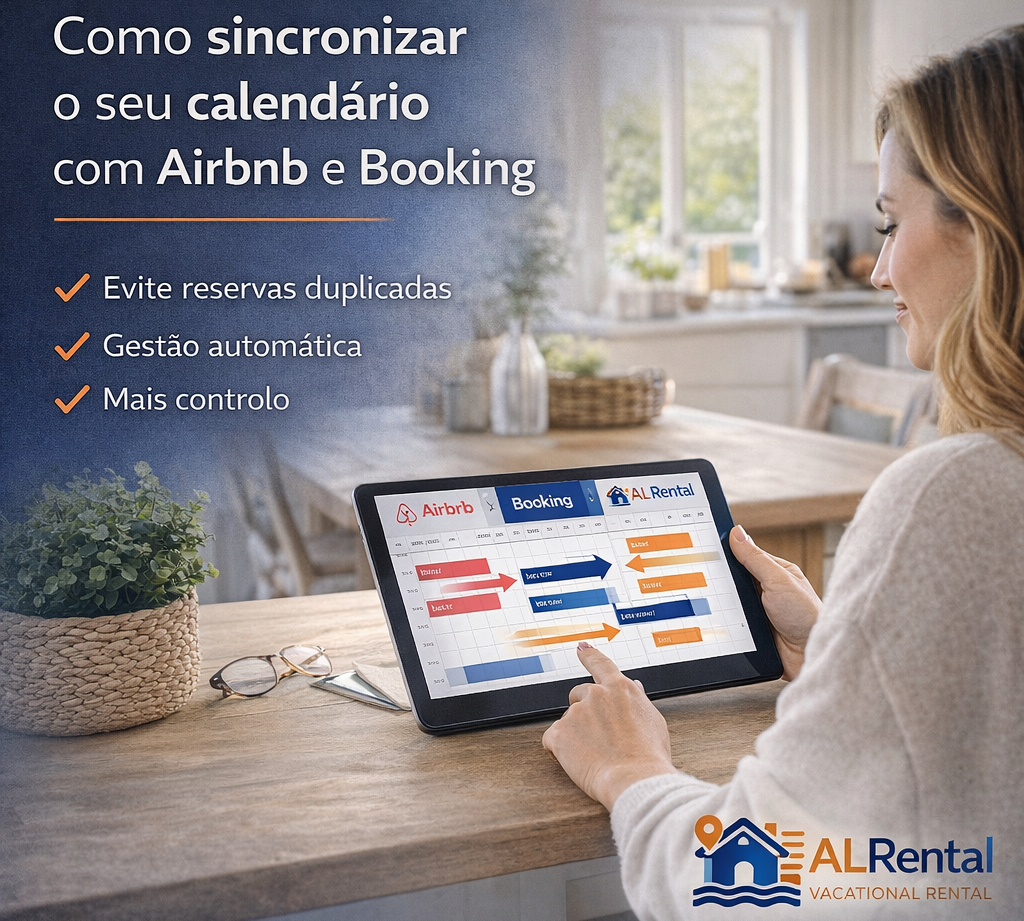
How to sync your calendar with Airbnb and Booking and avoid double bookings
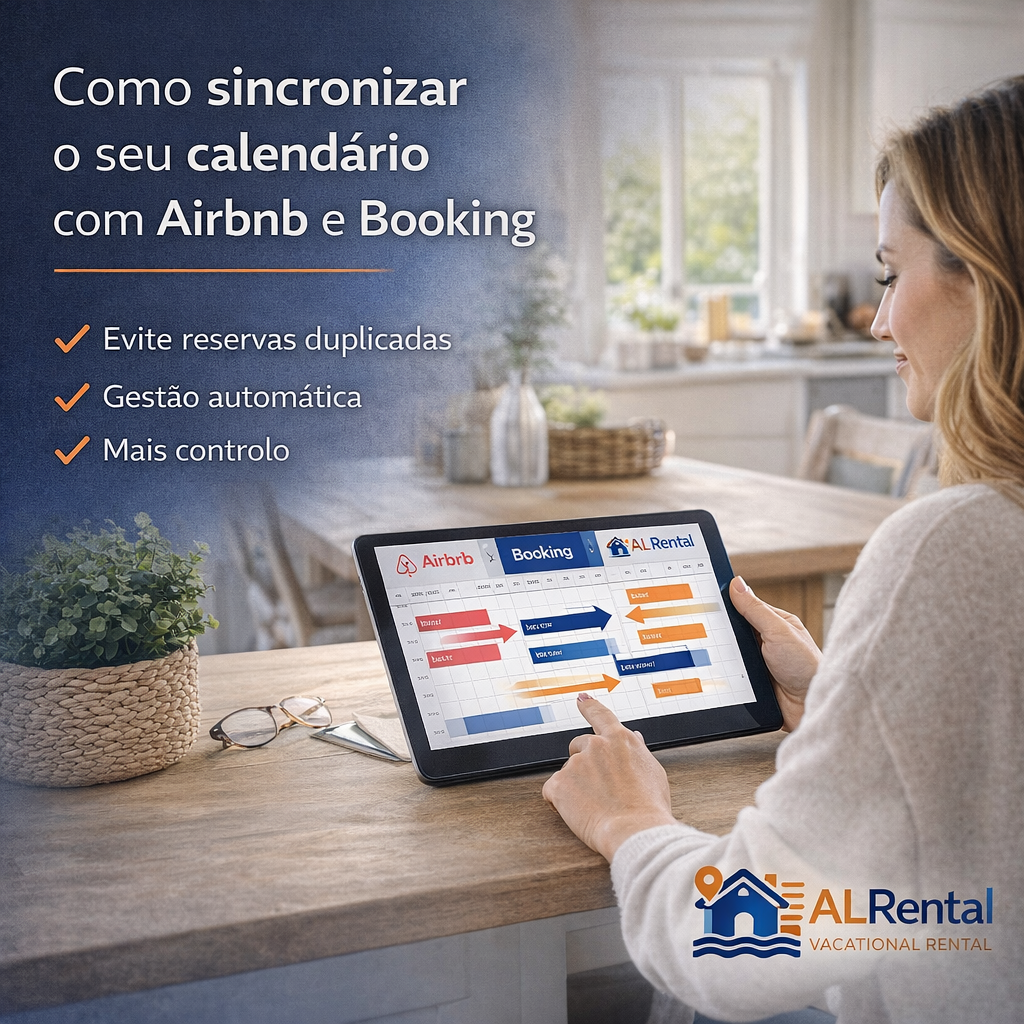
Calendar synchronisation is one of the most important operational tasks for owners who use several booking channels. If availability is not updated correctly, the result can be double bookings, cancellations and unnecessary stress.
Quick answer
To avoid double bookings, connect Airbnb, Booking and any additional channel using calendar synchronisation, review update frequency and always confirm that blocked dates are reflected correctly after each reservation.
Why calendar synchronisation matters
A multichannel strategy only works when availability is reliable. If one calendar accepts a reservation while another still shows the same dates as available, the owner may have to cancel and damage guest trust.
Synchronisation protects the business and improves the guest experience. It is a technical detail, but it has a direct impact on reputation and profitability.
What iCal does
iCal is a calendar feed format used by many booking platforms. It allows one channel to read blocked dates from another channel. This is useful, but it is not always instant.
Owners should understand that iCal usually updates periodically. That means there can be a delay between a booking in one platform and the same dates being blocked elsewhere.
How to sync Airbnb and Booking calendars in both directions
An iCal connection shares occupied dates, not prices or every booking rule. To make a booking on either channel block the other, set up both connections. The menu names below are from the English interface and may differ by language or platform version.
Before you start
Check that you are connecting the same property and unit. Booking’s iCal synchronisation is available to properties that are open for bookings, have no more than 20 room types and one unit per room type, and have no connected Connectivity provider. You also need access to rates and availability. If you already use a channel manager, check your existing integration before adding calendars.
1. Airbnb → Booking: import Airbnb’s dates into Booking
- On Airbnb, open Calendar, select the listing and go to Availability → Connect calendars → Connect to another website. Copy the calendar’s export address.
- In the Booking extranet, open Rates & Availability → Sync calendars, choose the room or unit and select Add calendar connection.
- Paste Airbnb’s address, give the connection a clear name, such as “Airbnb”, and select Next step. Complete the connection; to sync the other way too, follow the next step.
2. Booking → Airbnb: import Booking’s dates into Airbnb
- In Booking’s calendar-sync area, copy the export link. To create an export-only connection, use Add calendar connection → Skip to export, name it and select Copy link.
- Return to the same listing’s calendar connections on Airbnb. Paste Booking’s address into the option to import an external calendar, name it “Booking” and add it.
- Check that each platform imports the other’s calendar. A connection marked import-only or export-only does not mean both directions are set up.
3. Test the connection without making a real booking
Choose an available date you can temporarily block. Add the block on one channel, refresh the receiving calendar and check the arrival and departure dates. Repeat in the other direction. Manual blocks and preparation rules may not import in the same way as reservations: if the test fails, block the dates directly on the channels and review the connection.
Airbnb says it updates imported calendars automatically every three hours; Booking says it imports every two hours. You can request a manual update, but iCal does not remove the window in which simultaneous bookings could arrive. After testing, remove the temporary blocks and check that the dates have reopened.
Keep iCal links private: do not publish them in your listing or screenshots. AL Rental provides listing visibility; this procedure connects Airbnb and Booking and does not, by itself, sync either platform with AL Rental.
How to use synchronisation safely
After connecting calendars, test the setup. Create a blocked date in one channel, wait for the update and confirm that it appears in the other channel. Repeat this when adding a new platform or changing settings.
For high-demand periods, manual checks are still useful. Technology reduces risk, but owners should monitor key dates carefully.
How this supports direct visibility
When owners add AL Rental or another complementary channel, synchronisation becomes even more important. The goal is to grow visibility without creating operational chaos.
A reliable calendar system makes it easier to accept enquiries from multiple sources while keeping control of availability.
Check what each calendar actually imports
Create a test block, refresh the receiving calendar and check the arrival and departure dates. Repeat in the opposite direction. Do not assume that connecting one feed creates a two-way connection.
Keep a record of which calendar exports to each platform and when you last checked it. Before confirming a direct enquiry, compare the requested dates with your main calendar and block them in the channels you use.
Mistakes owners should avoid
A common mistake is replacing a calendar feed without updating its destination. Another is assuming a successful connection means every date has imported correctly. Check actual blocked dates, not just the connection status.
Owners should also avoid making promises that the property or process cannot support. Clear and honest information attracts better-fit guests, reduces repetitive questions and protects long-term reputation.
What to review next
After understanding this topic, the owner should review the property description, image quality, calendar workflow, contact process and current dependence on external platforms. This turns the article into a practical checklist rather than just information.
The best result is a simple system: a strong listing, reliable availability, useful destination context and enough independent visibility to make the business less fragile over time.
Basic calendar sync checklist
- Export the calendar link from Airbnb or Booking.
- Import the link into the other platform or calendar tool.
- Repeat the process in both directions when supported.
- Test blocked dates before relying on the setup.
- Review calendars manually during high-demand periods.
| Problem | Prevention |
| Double booking | Synchronise calendars and test blocked dates. |
| Slow updates | Check update frequency and key periods manually. |
| Wrong availability | Review after every channel change. |
| Multiple platforms | Keep a simple documented workflow. |
Related owner guides
Calendar control is essential before expanding into a multichannel strategy beyond Airbnb and Booking.
Frequently asked questions about syncing calendars
Is iCal synchronisation instant?
Not always. Many platforms update periodically, so there can be a delay between channels.
Do I need to sync both directions?
When supported, yes. Each platform should receive blocked dates from the other relevant calendars.
Can synchronisation prevent all double bookings?
It reduces risk, but owners should still monitor high-demand dates manually.
Should I test the calendar after setup?
Yes. Testing blocked dates is the safest way to confirm that synchronisation works.
Is calendar sync important for AL Rental?
Yes. Any additional visibility channel should fit into a reliable availability workflow.
Calendar procedure checked on 8 October 2026 against the official documentation from Airbnb and Booking.
iCal: check the delay before accepting bookings
Airbnb says imported calendars update automatically every three hours, with a manual refresh available. Test a blocked date in both directions and check it reaches the other channel. Do not publish your private calendar URL. AL Rental provides listing visibility; availability remains the owner’s responsibility.